What this page explains
This page walks through the full assessment journey: how the assessment is created, how the participant receives the invitation, what happens during the online flow and what the organization receives after completion.
PLUTVO helps organizations manage assessments as one controlled digital workflow. HR defines the assessment, the candidate receives a secure link and completes it online, and authorized reviewers receive a structured report with indicators, findings and practical next steps.
This page walks through the full assessment journey: how the assessment is created, how the participant receives the invitation, what happens during the online flow and what the organization receives after completion.
The same platform can support pre-employment assessments, periodic employee reviews, background checks, CV verification, skills testing and professional clarification steps when needed.
The candidate completes the assessment through a secure browser link. There is no need to install software, download an app or involve IT support. The process works from a computer, tablet or mobile device, according to the organization’s assessment settings.
The workflow is designed to be simple for HR, clear for the participant and controlled for authorized reviewers.
The organization selects the assessment type, language, role profile, link validity period and optional modules such as video questions or background verification.
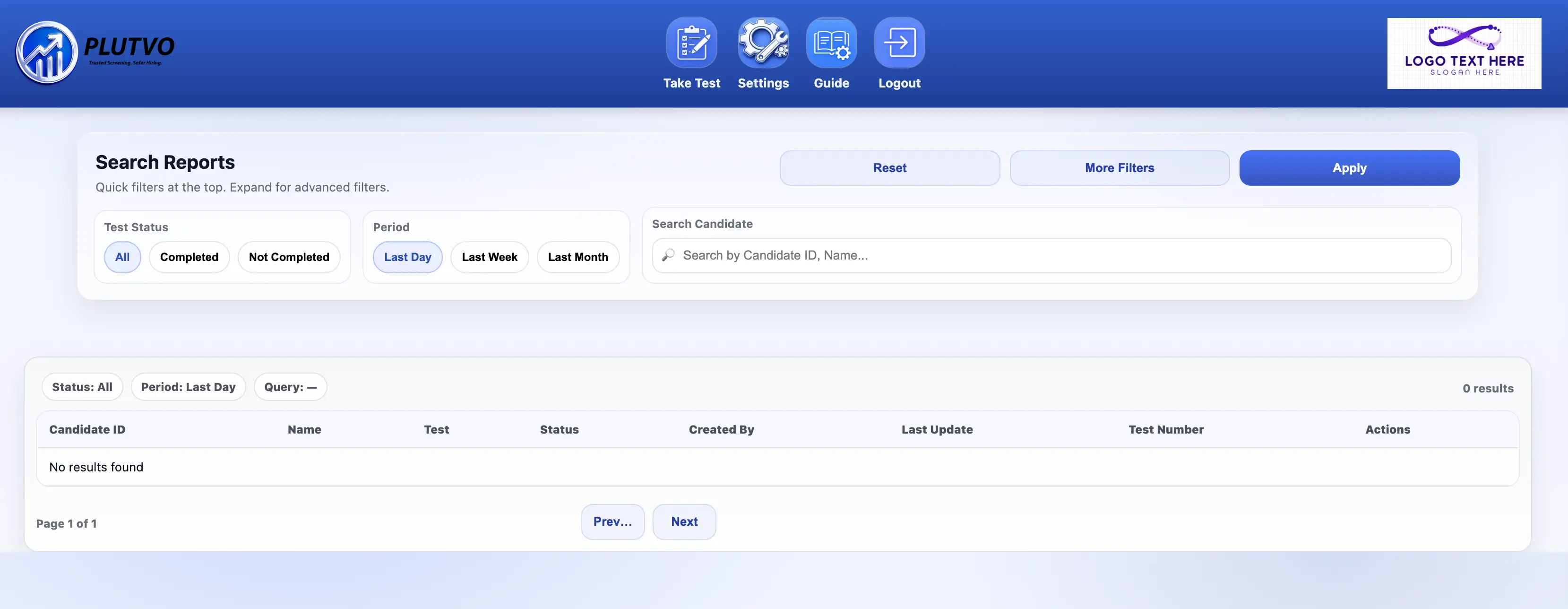
The recruiter or authorized user enters the candidate or employee details and selects the relevant assessment flow.
The participant receives an email with a personal secure link. The link opens the assessment directly in the browser.
The participant answers the questions in a guided flow. Depending on the setup, the assessment may include yes/no questions, multiple choice, open text, declarations, files or video responses.
The system organizes answers, indicators, completion data and risk-related signals into a structured review stage.
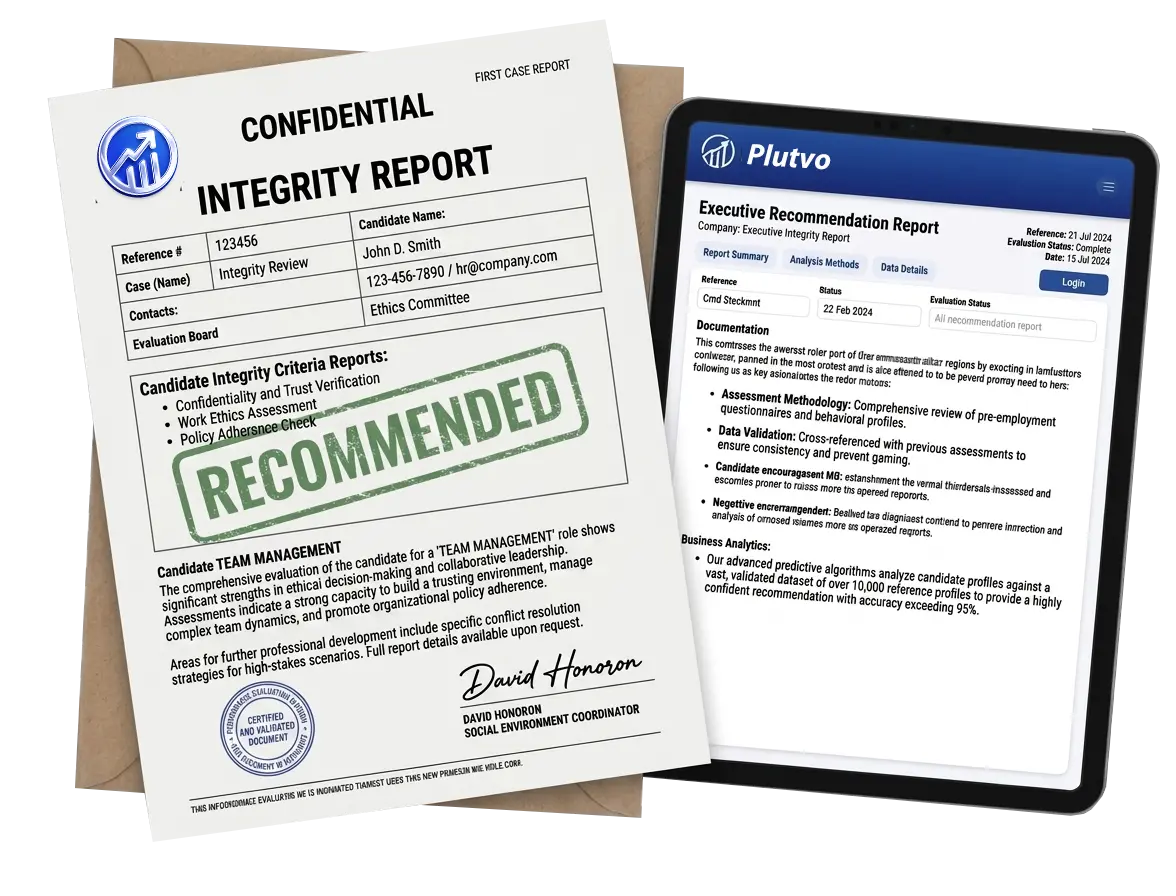
Authorized reviewers receive a clear report with findings, recommendation status, points for clarification and documentation that supports professional decision-making.
The process can stay focused or expand into a wider verification package, depending on the role, risk level, internal policy and legal requirements.
Used before hiring to support a more informed, consistent and controlled recruitment decision.
Used during employment for ongoing review of reliability, conduct and internal-risk indicators.
Performed only according to law, proper authorization and the relevant scope defined for the role.
Helps verify employment history, dates, positions, education, certificates and relevant documentation.
Adds role-fit insight through skills, thinking style, work habits, communication and task-related indicators.
When relevant, the flow can include video responses or follow-up clarification for specific findings.
The output is more than a score. It is a structured report that helps reviewers understand the findings, the context and the recommended follow-up.
PLUTVO is designed to support professional judgment, not replace it. Report access should be limited to authorized users, and every assessment flow should match the organization’s policy, the role sensitivity and applicable legal requirements.
Tell us which roles, checks and languages you need. We will help define a practical, secure and lawful workflow.